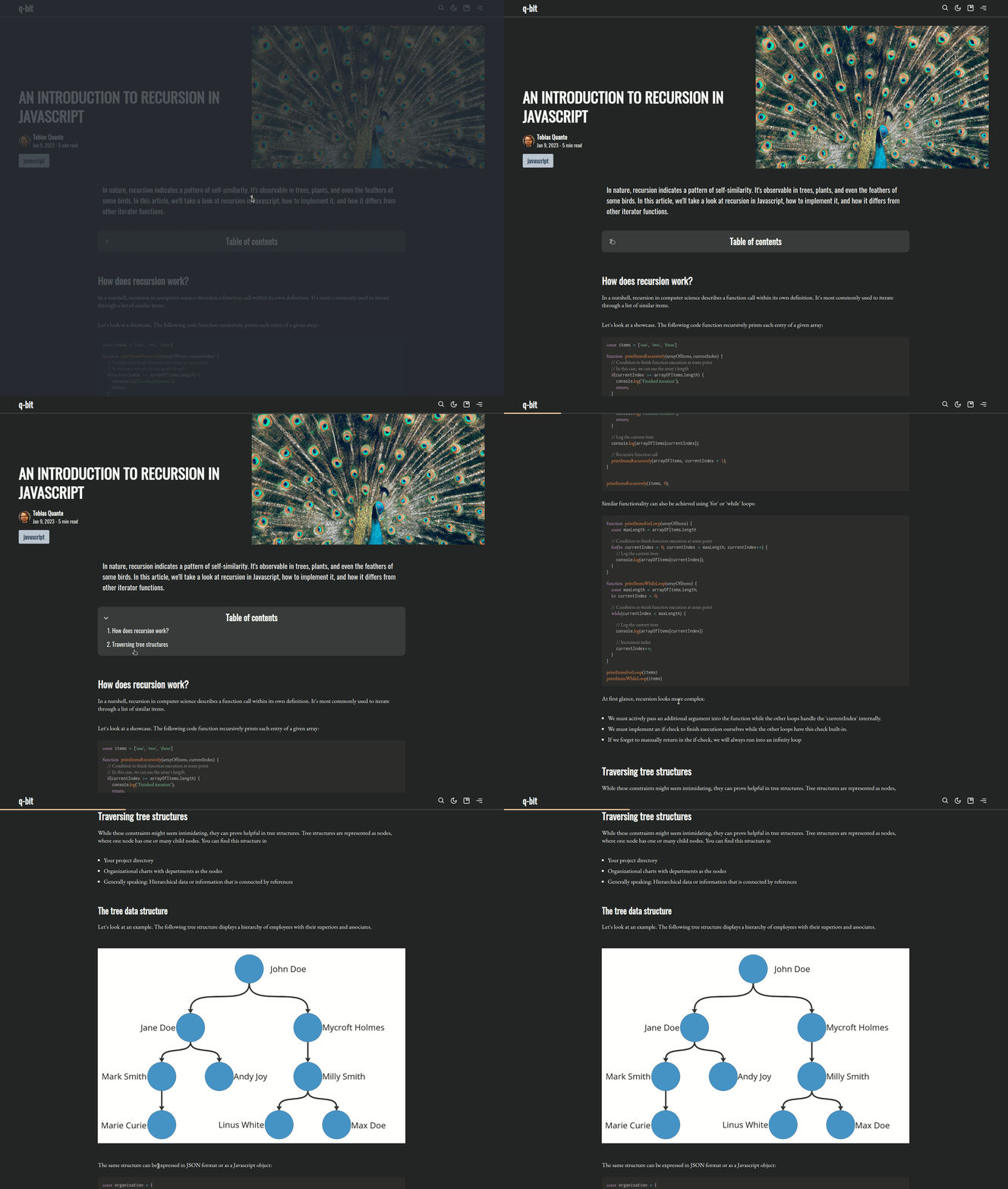
Table of contents
Give your readers an overview of your post by adding a table of contents (TOC) below your excerpt. The TOC can be toggled and allows readers to quickly navigate through your content.
INFO
This feature is disabled by default.
-> If enabled, the 'Share this post' - toolbar will be moved to the bottom of the page
Activate this feature
This feature can be enabled in your Ghost design settings under
> Posts > Enable table of contentsHow does it work?
This feature queries all h2 and h3 tags that are part of your post. It extracts the heading text and indexes it before rendering the related TOC - item. TOC also adds a convenience functionality - when clicking on a headline with the mouse, it will scroll until the clicked element is at the top of the viewport.